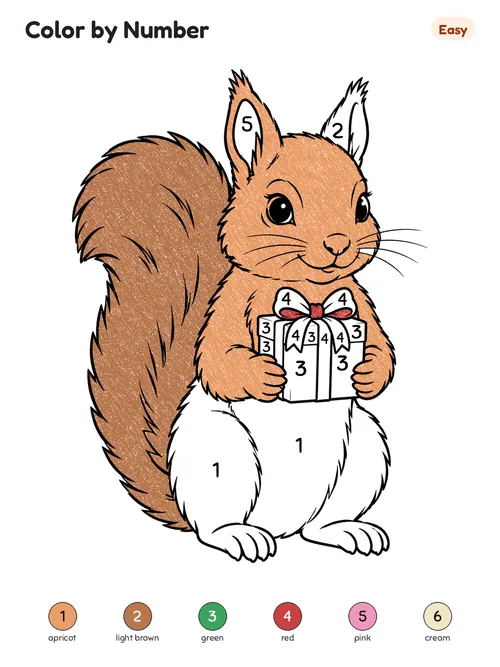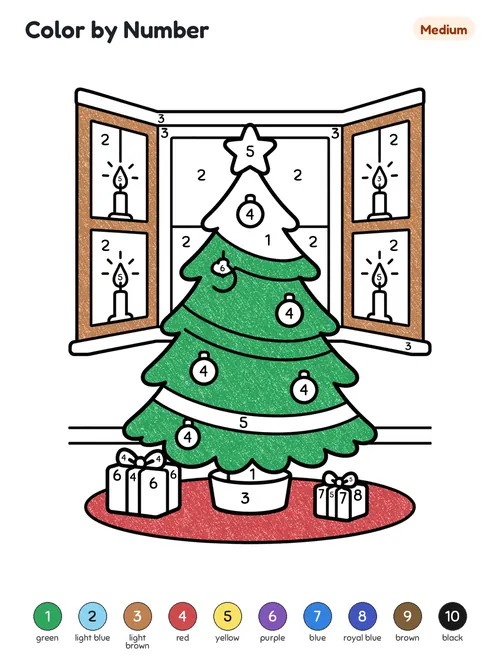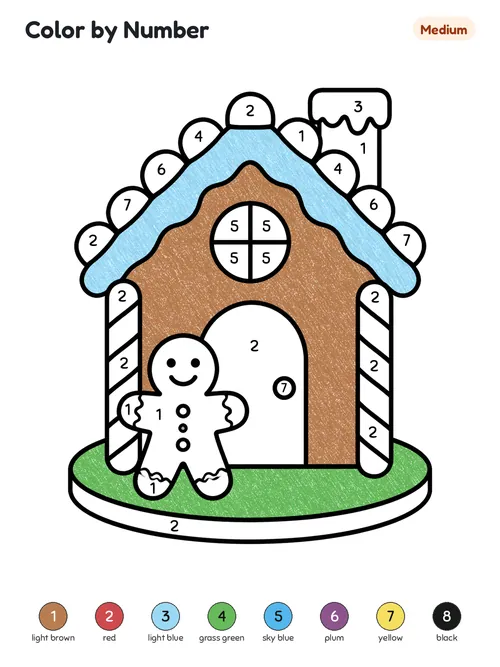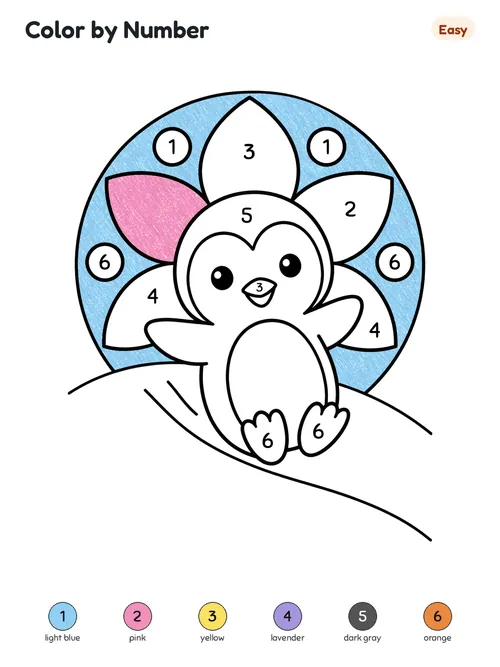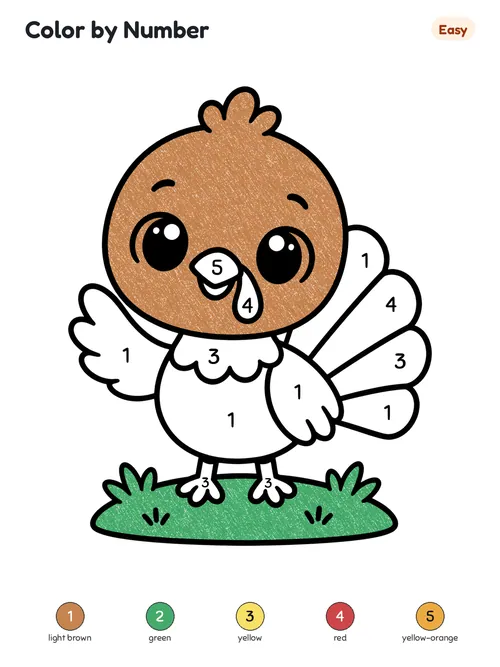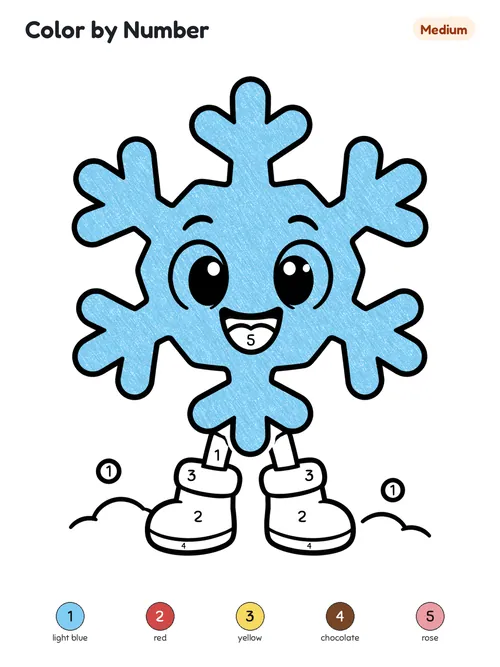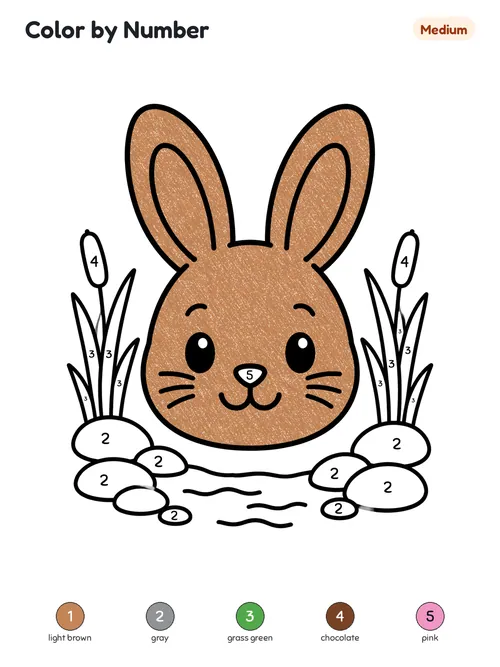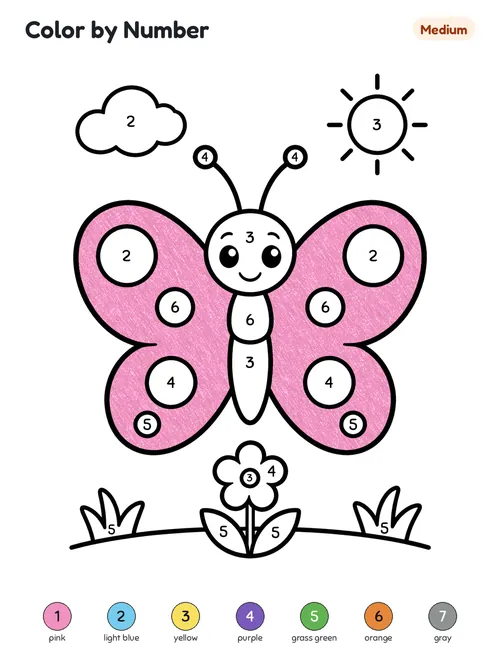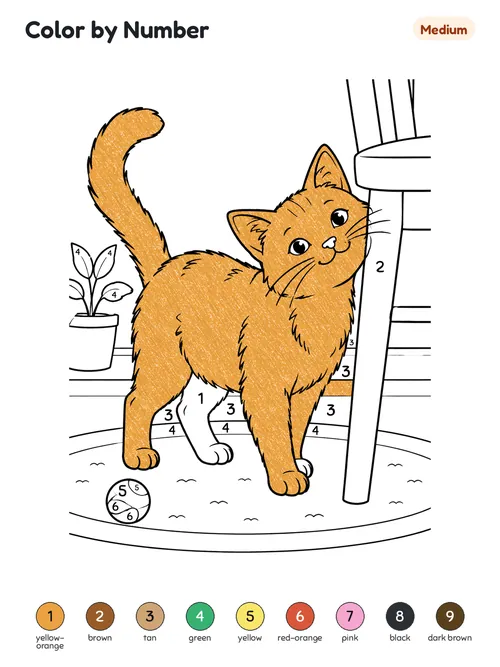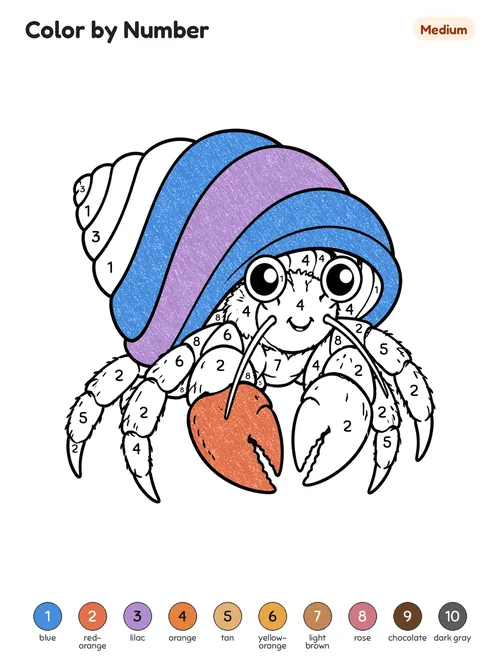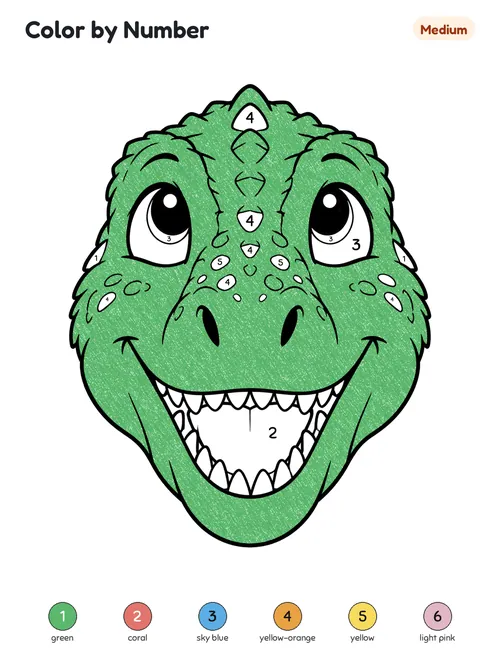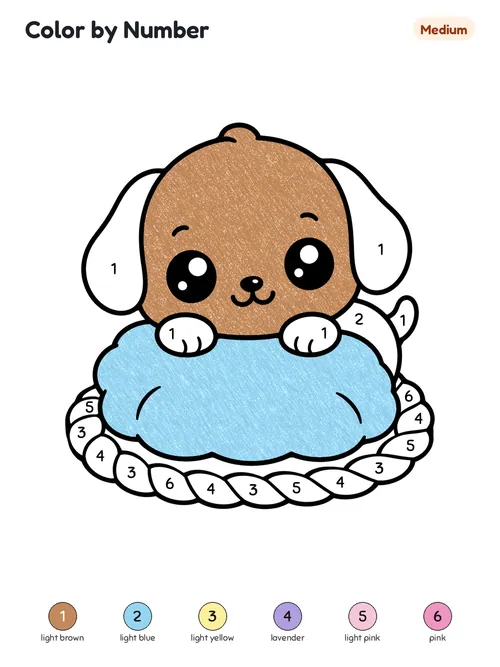
Free Color by Number Online
Pick a picture and color it by number on your phone, tablet or computer. Tap a color, then tap the spaces with that number. No sign-up, no download.



















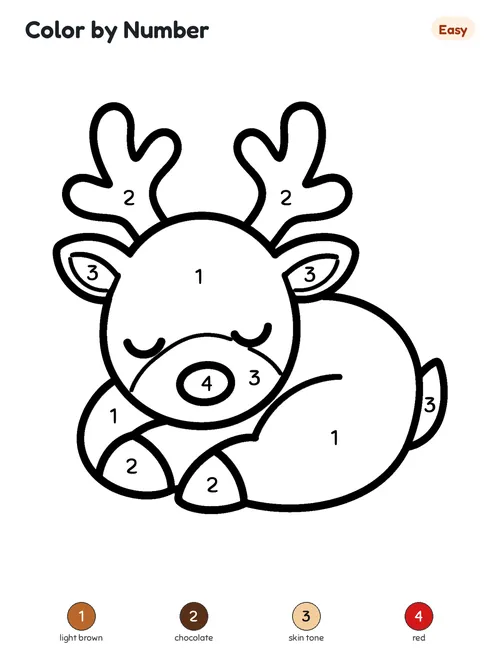

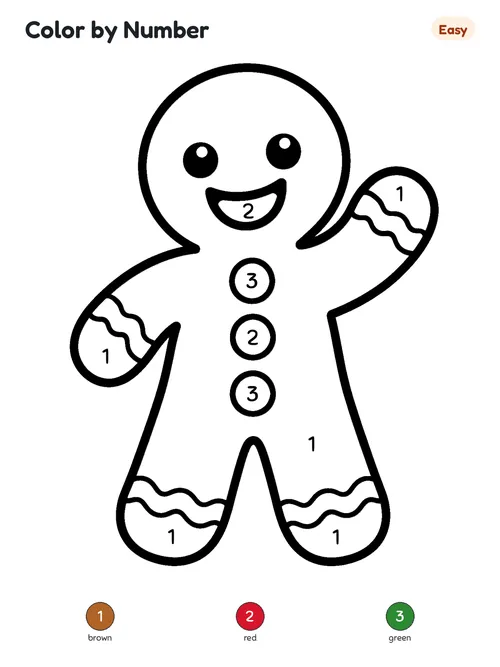


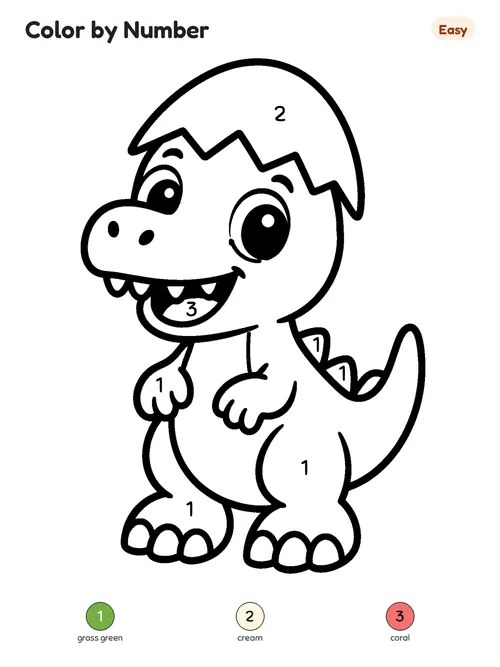

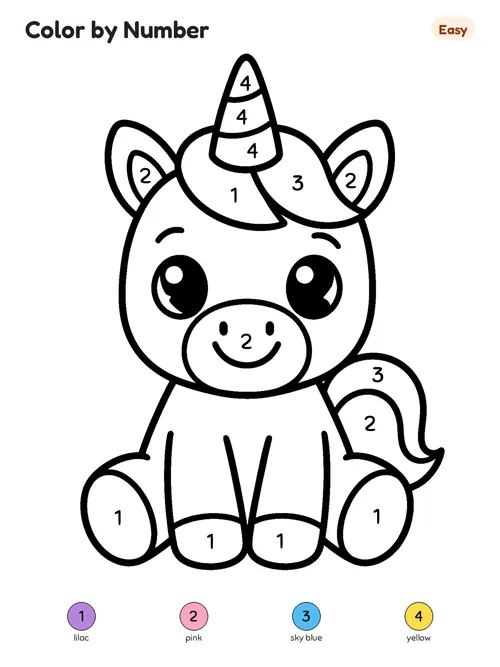










How Browser Coloring Works Step by Step
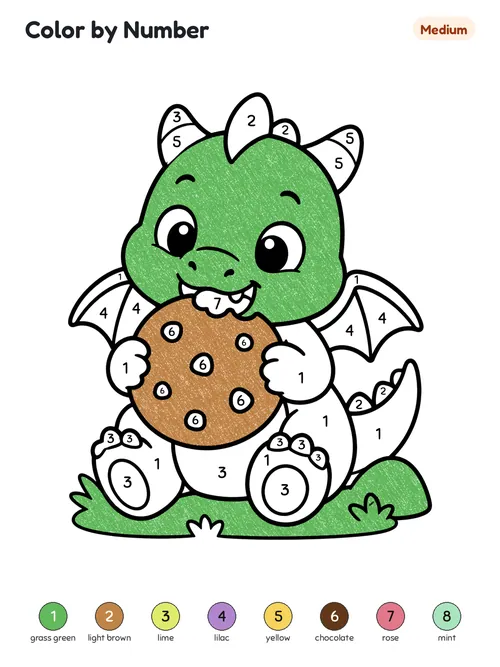
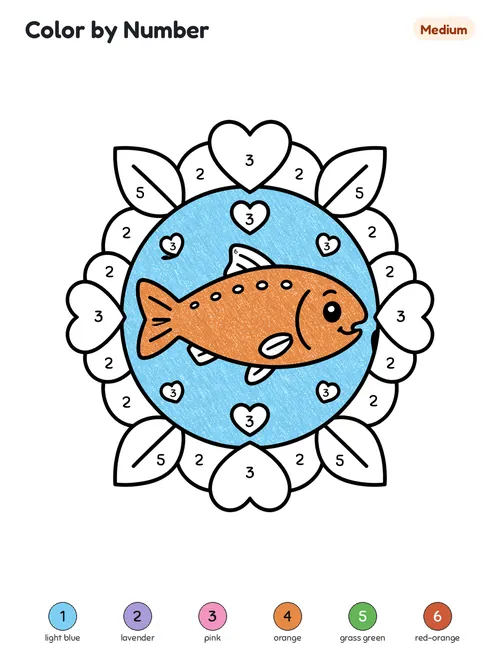
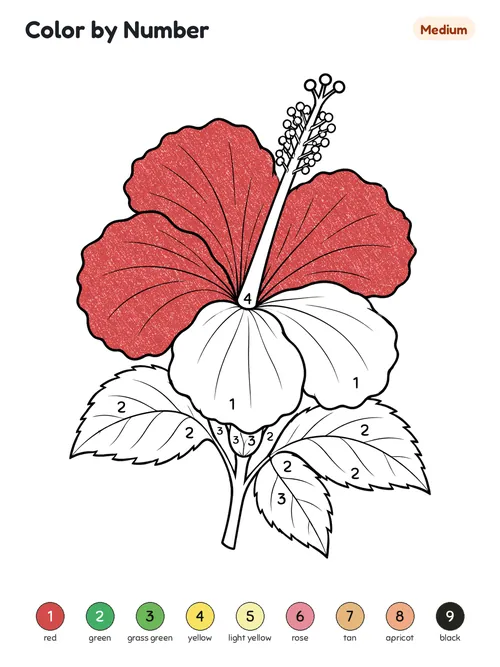
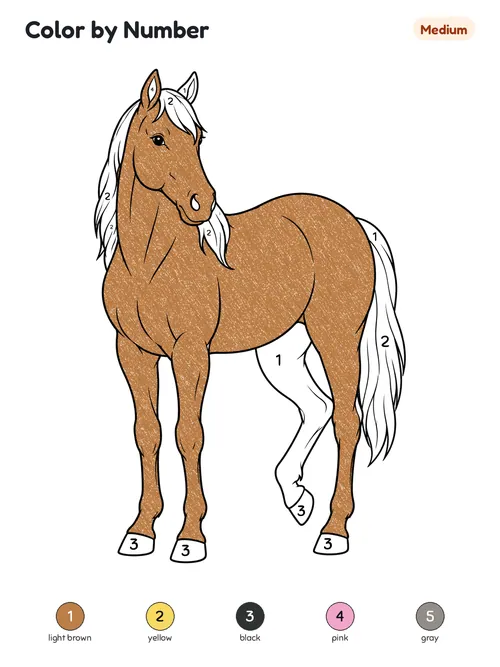
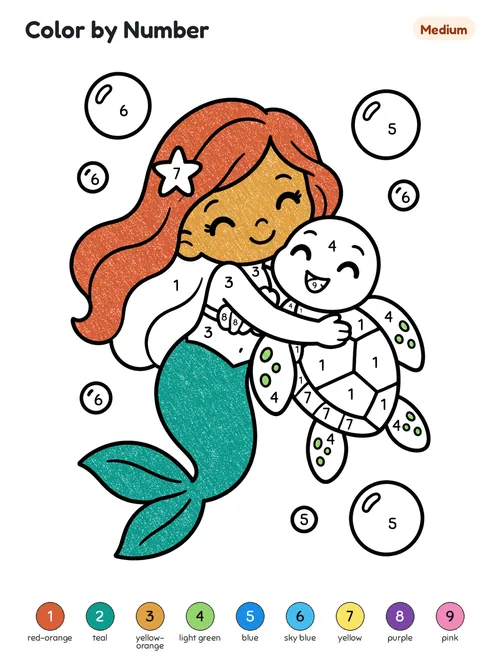
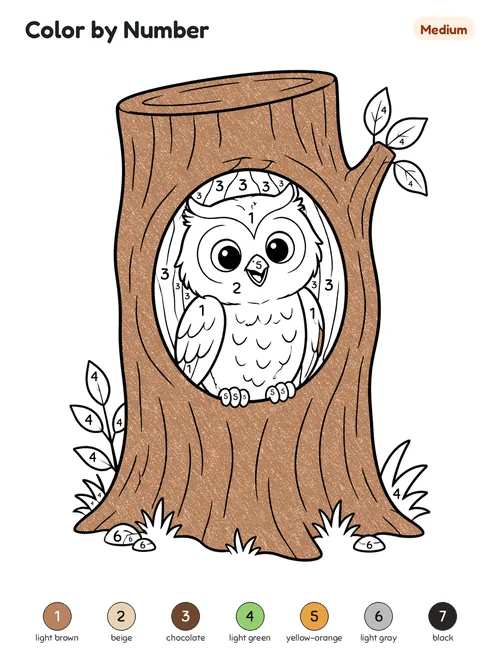
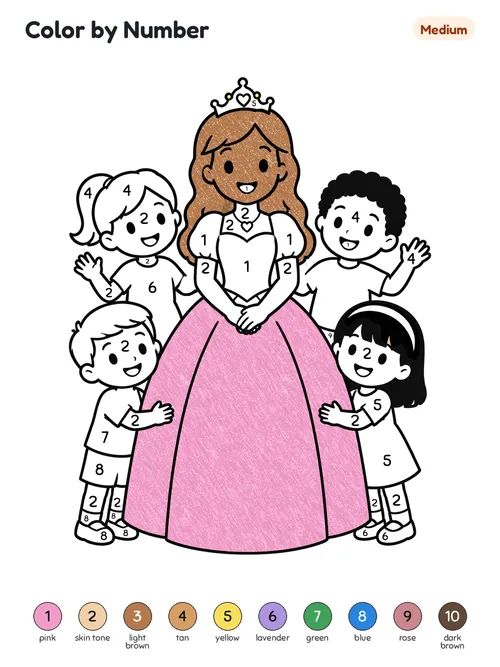
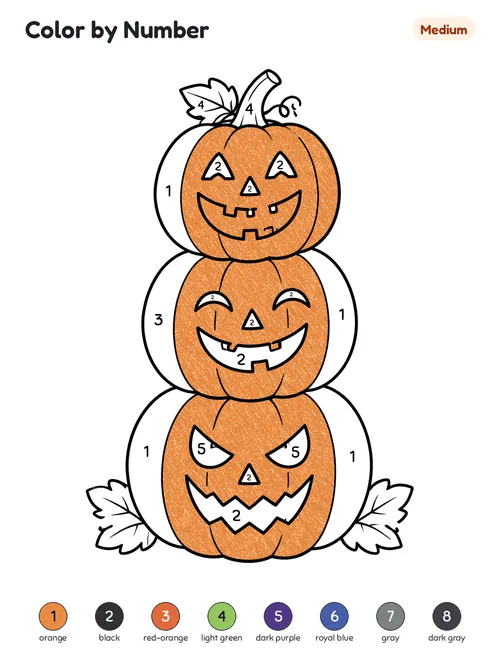
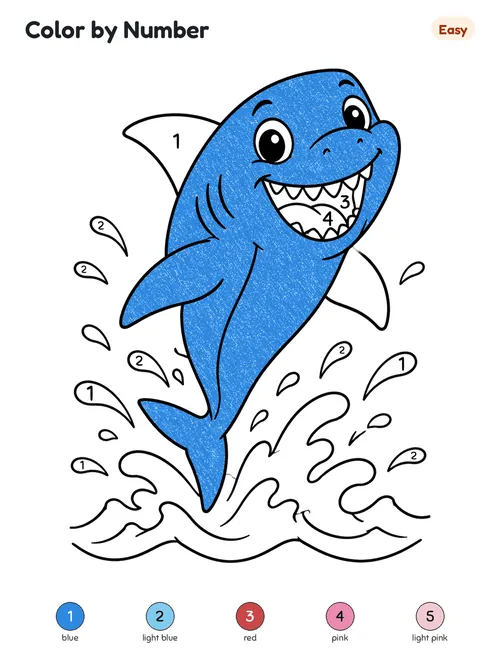
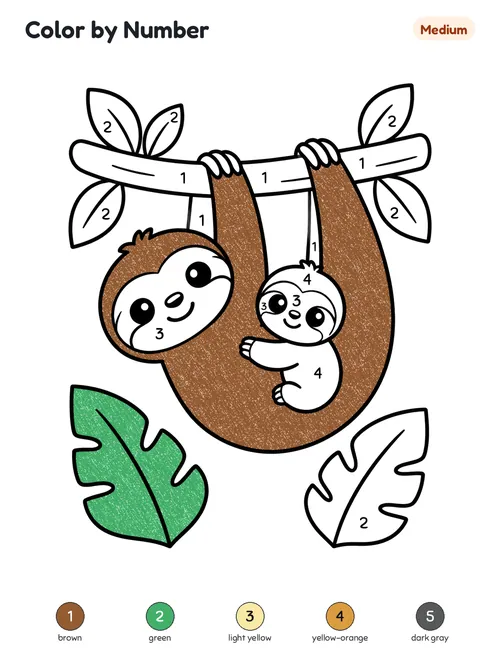
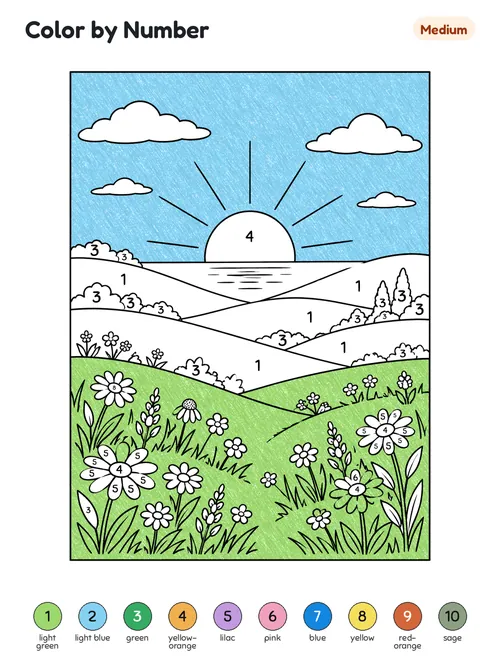
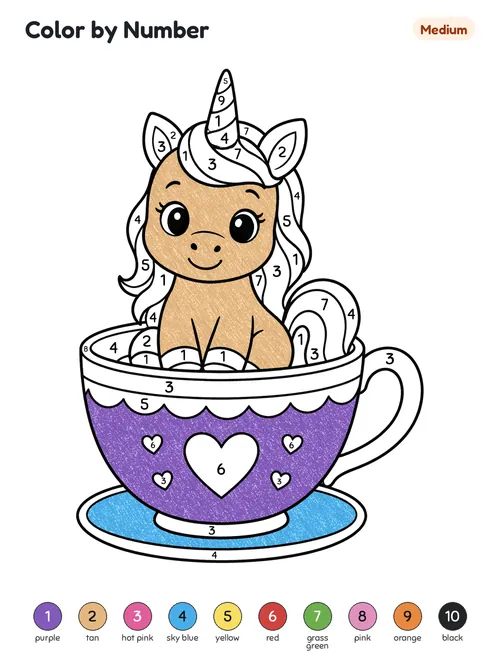
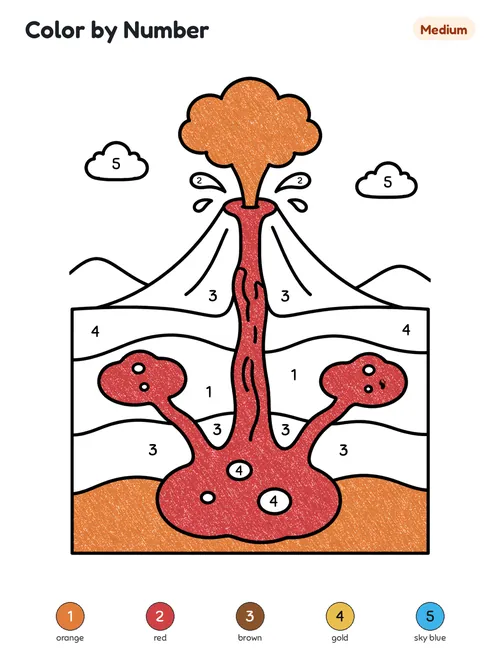
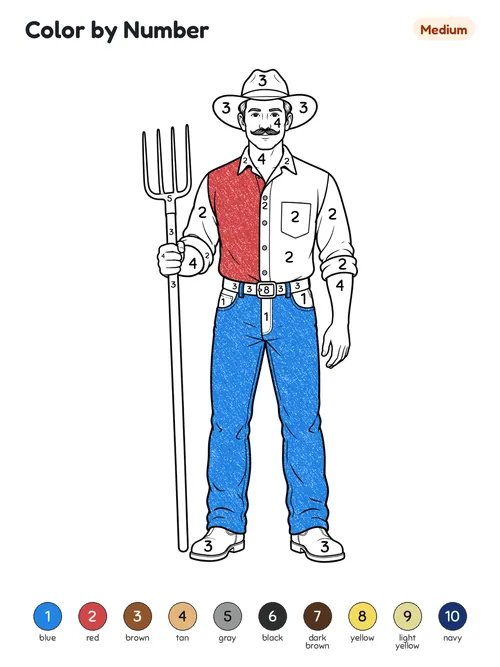
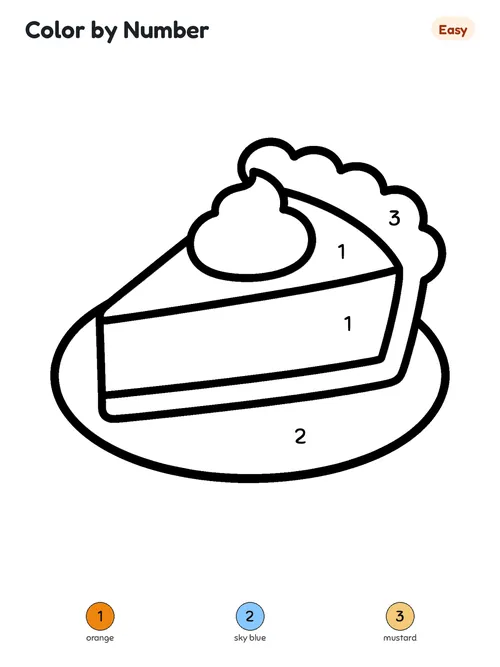
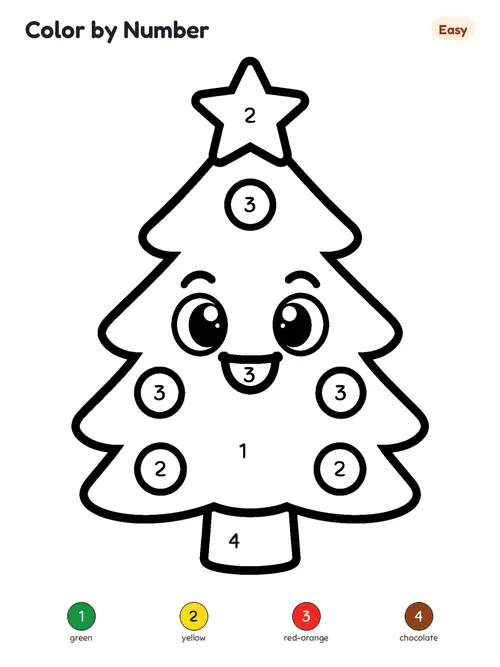
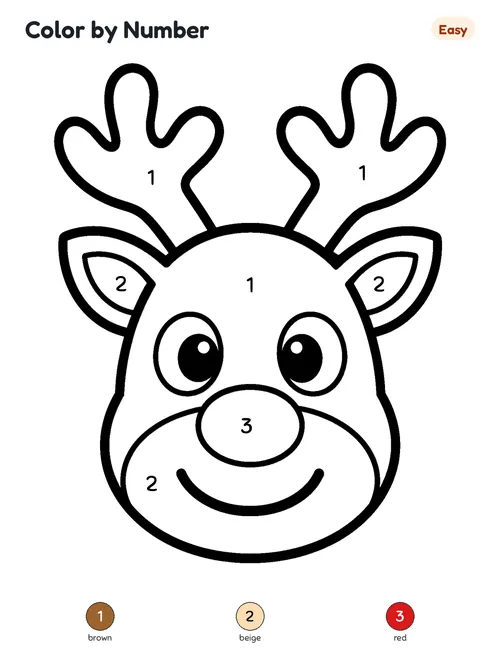
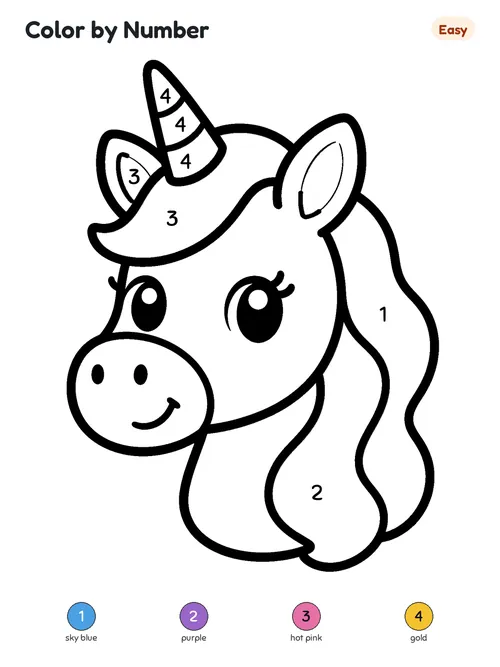
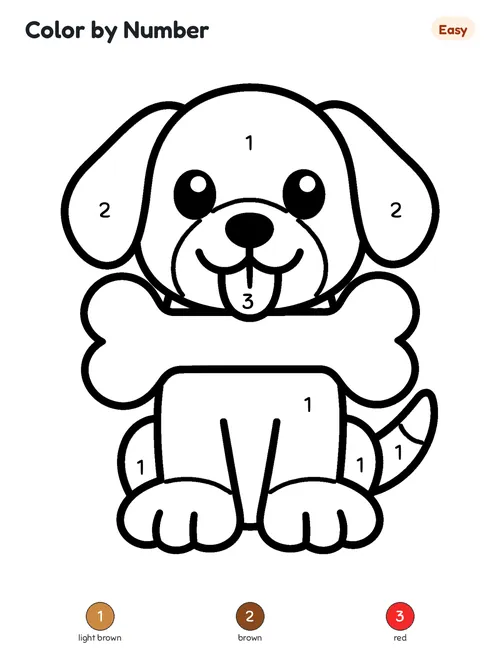
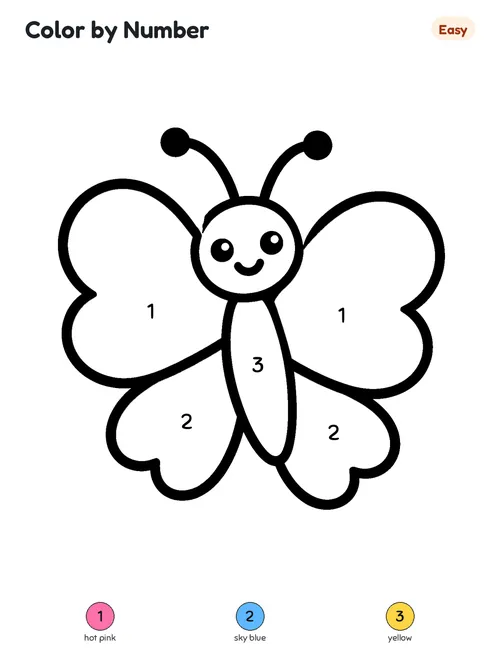
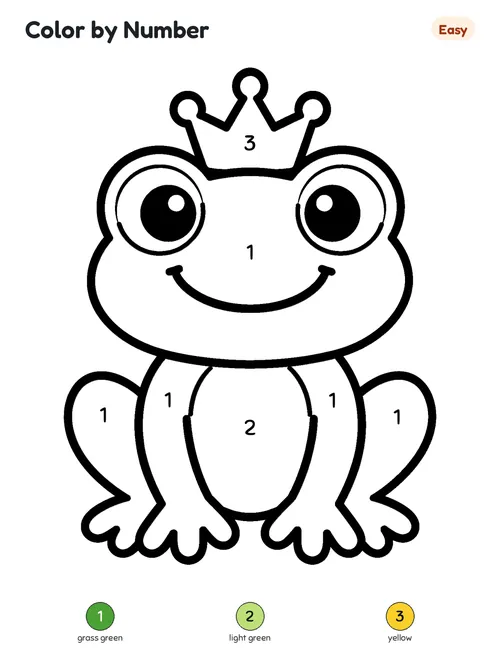
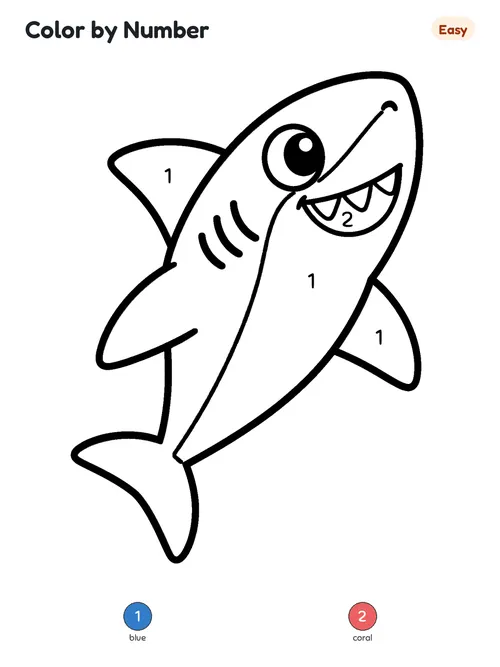
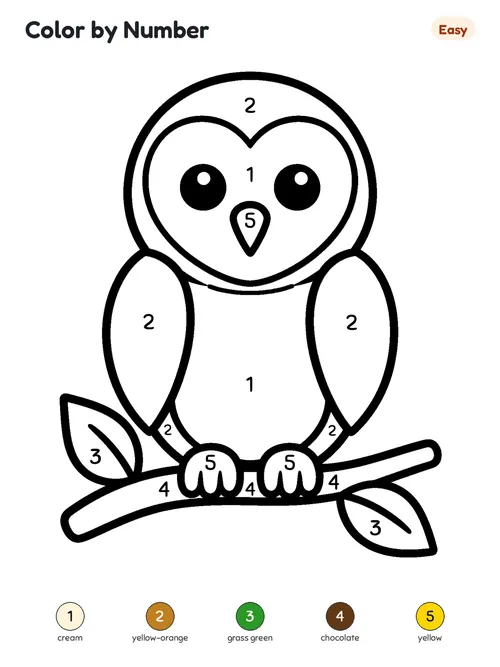
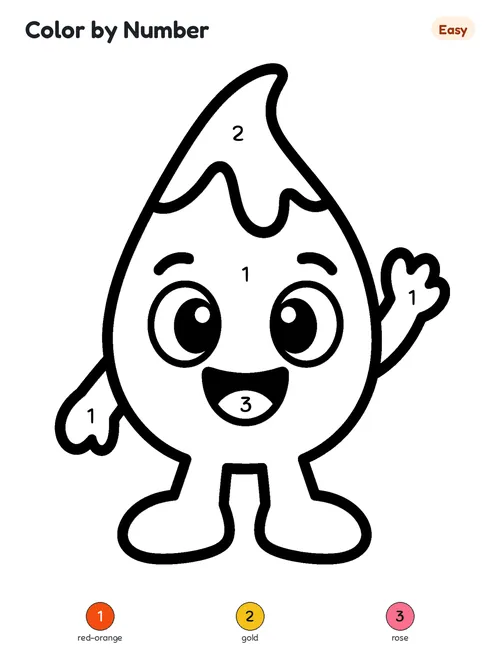
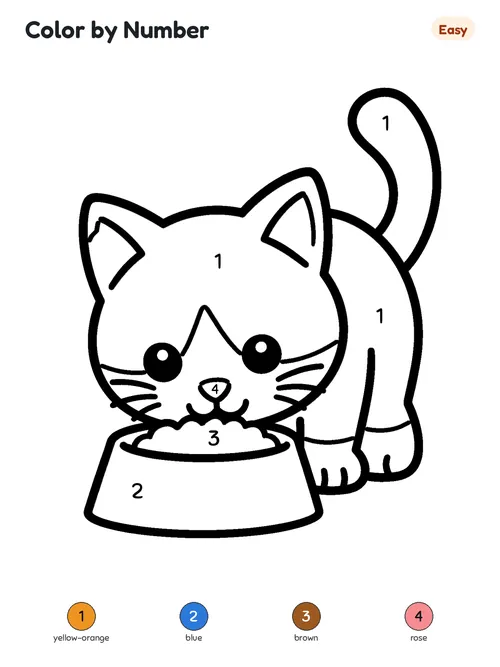
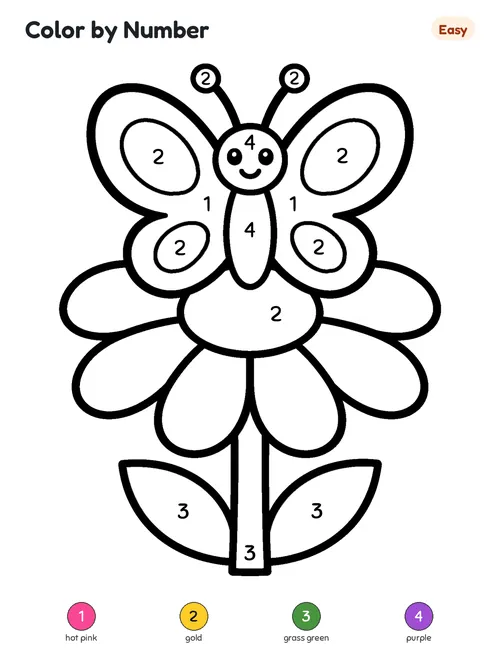
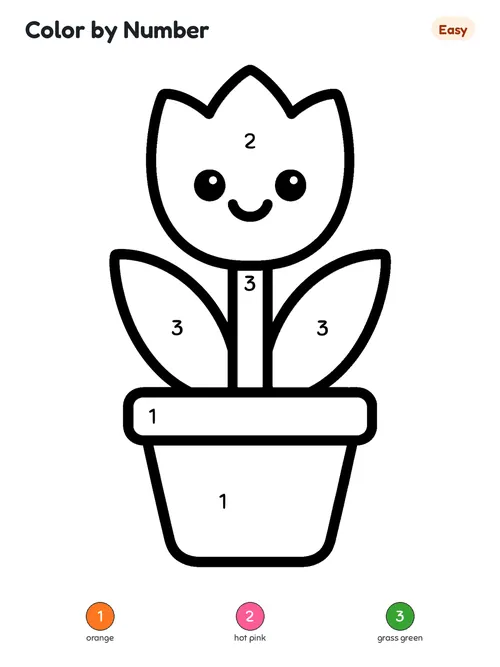
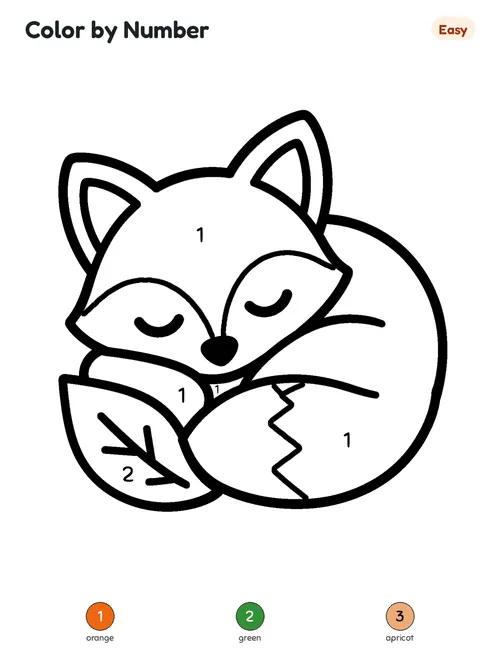
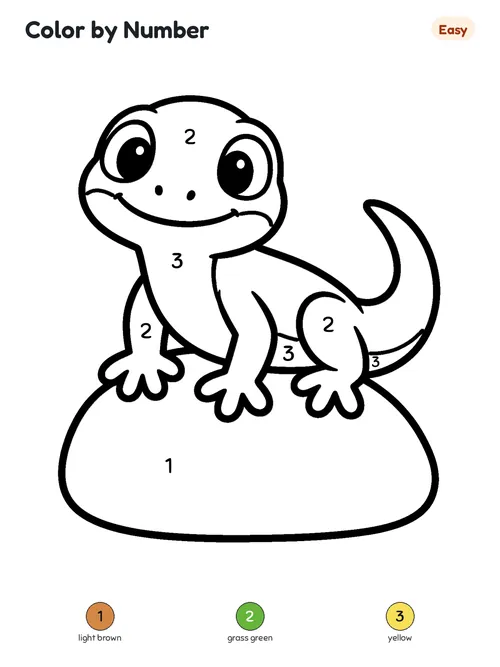
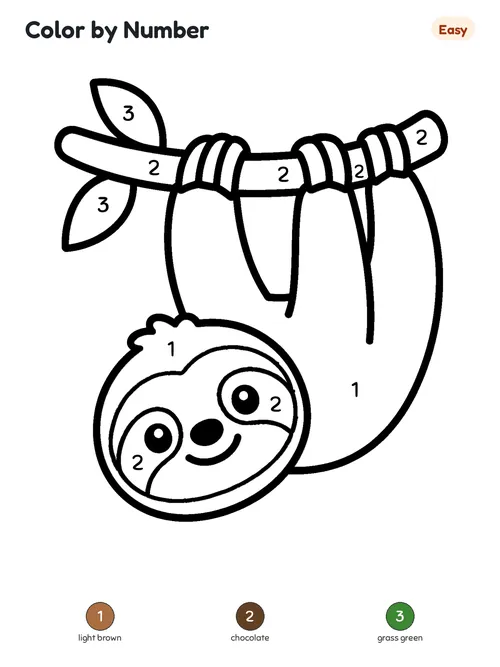
Playing our free color by number online game takes just two simple motions. You tap a color swatch in the key, then tap any space on the drawing that holds the matching number. The area fills with color right away, so younger children do not get frustrated by coloring outside the lines. There is no sign-up, and the game runs directly in your browser on a phone, tablet, or computer.
For preschoolers practicing number recognition on a tablet, start with the easy color by number level. The big smiling sunflower has bold lines and large petals, making it easy for little fingers to tap accurately on a small screen. Older kids and teens can switch to color by number for adults like the calm horse resting on a cushion, which uses up to twenty shades for a detailed result.
When Screen Coloring Beats Paper and Crayons
Paper and markers are wonderful at the kitchen table, but travel and waiting rooms call for a different setup. Handing a child a phone with the cute baby penguin drinking boba tea gives them a quiet activity during a long car ride or at the dentist. Nobody drops a red crayon under the car seat, and you do not have to carry a bulky coloring book in your bag.
Digital coloring also saves the day when your printer runs out of ink right before indoor recess or quiet time. Every picture also comes as a free printable PDF in US Letter or A4. However, opening the browser version on a classroom computer or family tablet takes zero prep and leaves no paper scraps behind.
Questions about color by number online
Do I need to install an app or create an account?
No, you do not need to download anything or type in an email address. Every picture opens and plays directly inside your web browser. It works the same way on an iPad, an Android phone, a Chromebook, or a desktop computer.
What happens if a child taps the wrong number?
The online tool is very forgiving for young learners. If you tap a space with the wrong number, you can simply select the correct color from the key and tap over the space again. It makes fixing mistakes much cleaner than using crayons on paper.
Are the mystery pixel grids available to play online?
Yes. Every mystery color by number grid has a Play online button. Pick a color, then tap or drag across the squares with that number, and the hidden picture appears square by square. Each grid is also available as a printable PDF with an answer key.