Bubble Letter Generator
Type a word or name, pick a style and print your bubble letters – free, no sign-up, nothing uploaded.
What Are Bubble Letters?
Bubble letters are big, puffy letters with round edges. They look like they are filled with air, like a balloon. Kids draw them on notebooks, posters and birthday cards. Teachers use them for bulletin boards and classroom signs.
This free bubble letter generator makes them for you. Type a word or a name, and your letters appear right away. Make cute bubble letters, big bubble letters for a wall, 3D bubble letters or fancy cursive ones. Every letter is ready to print, color or cut out.
You do not need to download a bubble letter font. All 9 lettering styles are built into the page. It works on computers, phones, tablets and Chromebooks.
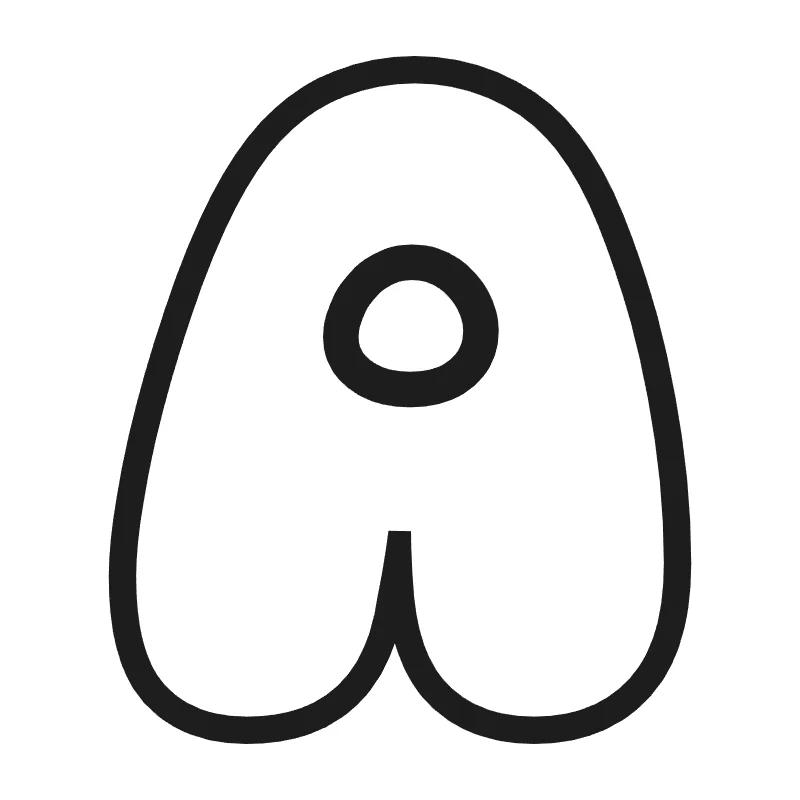
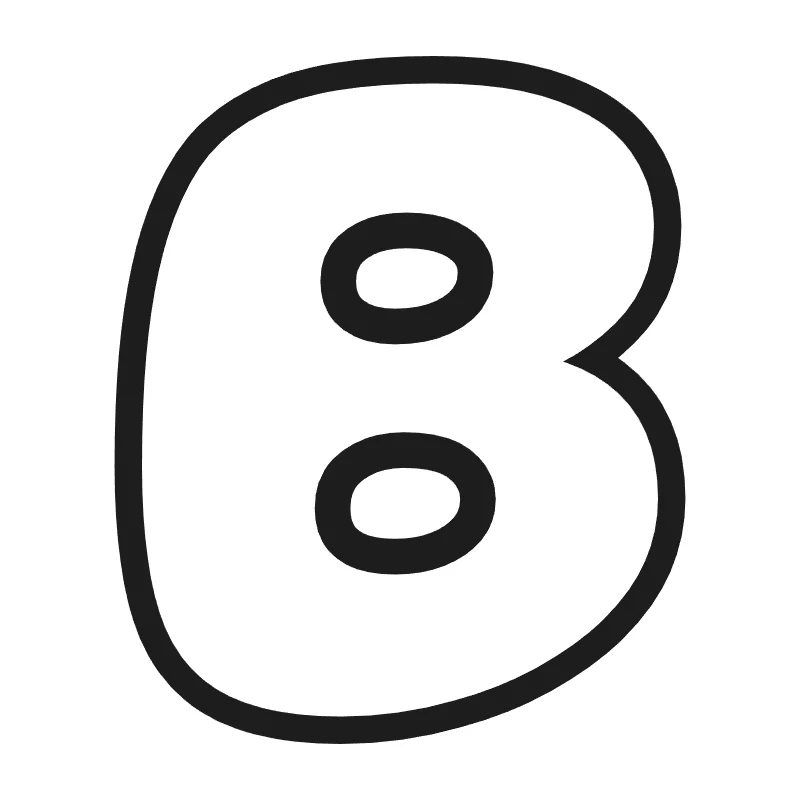
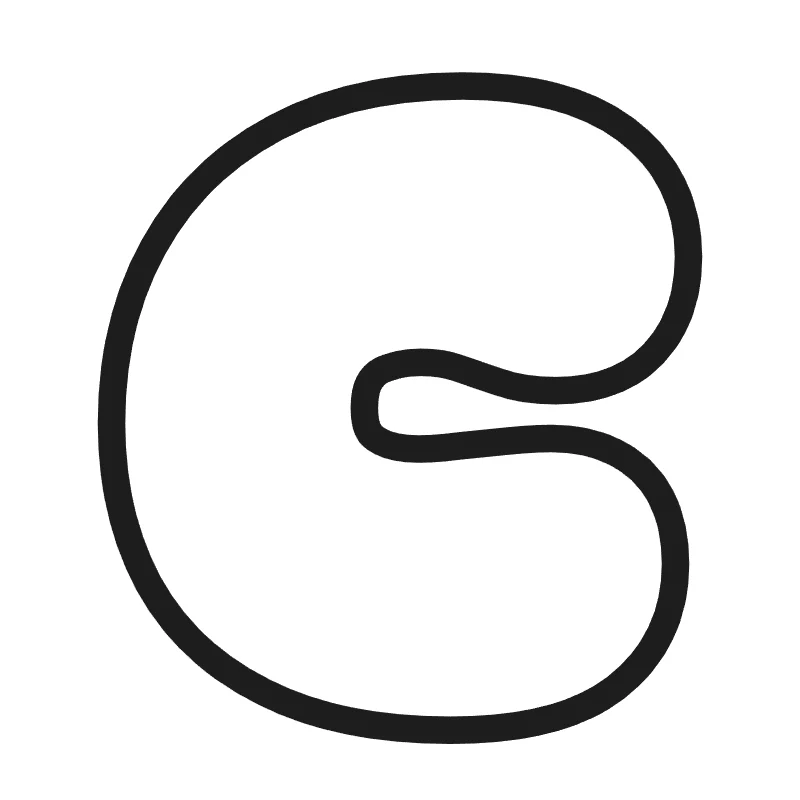
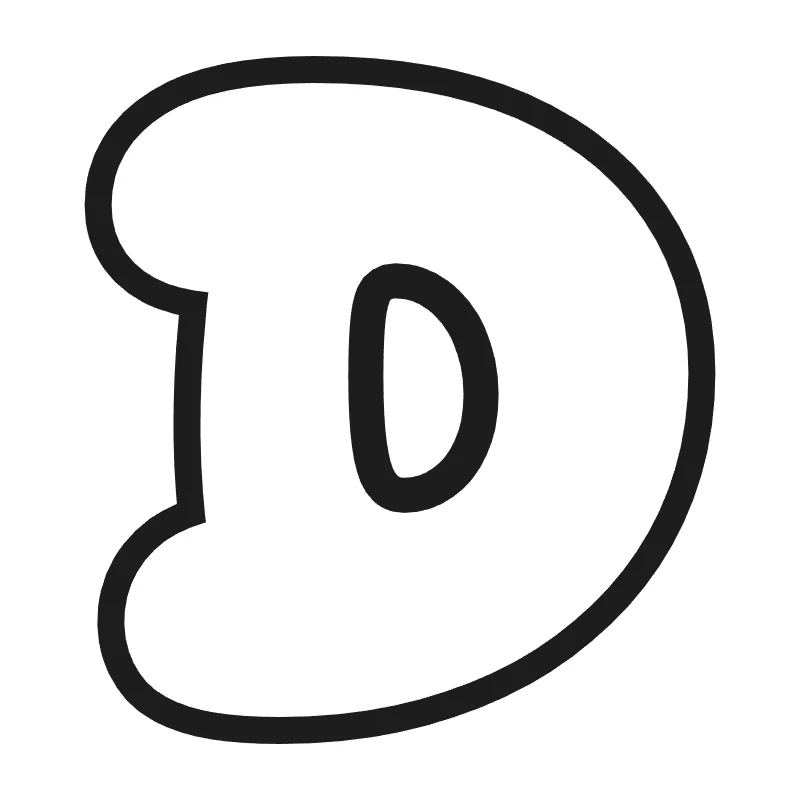
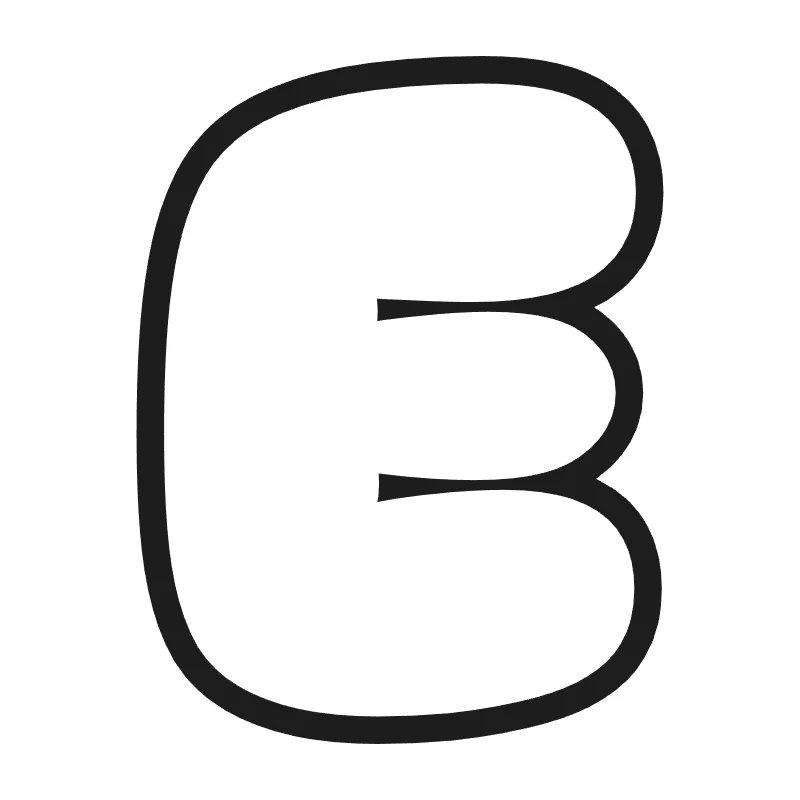
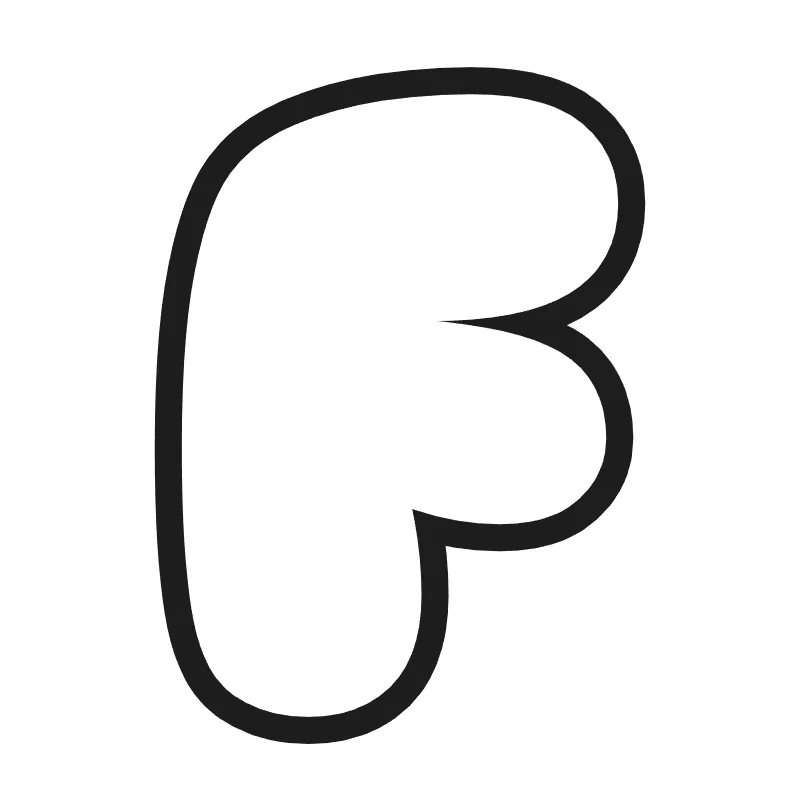
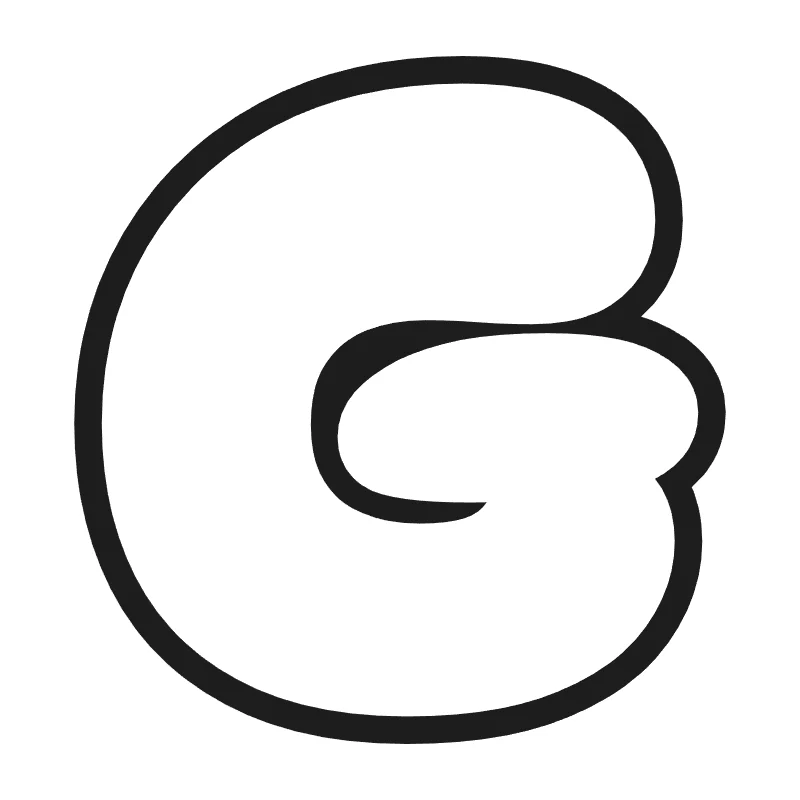
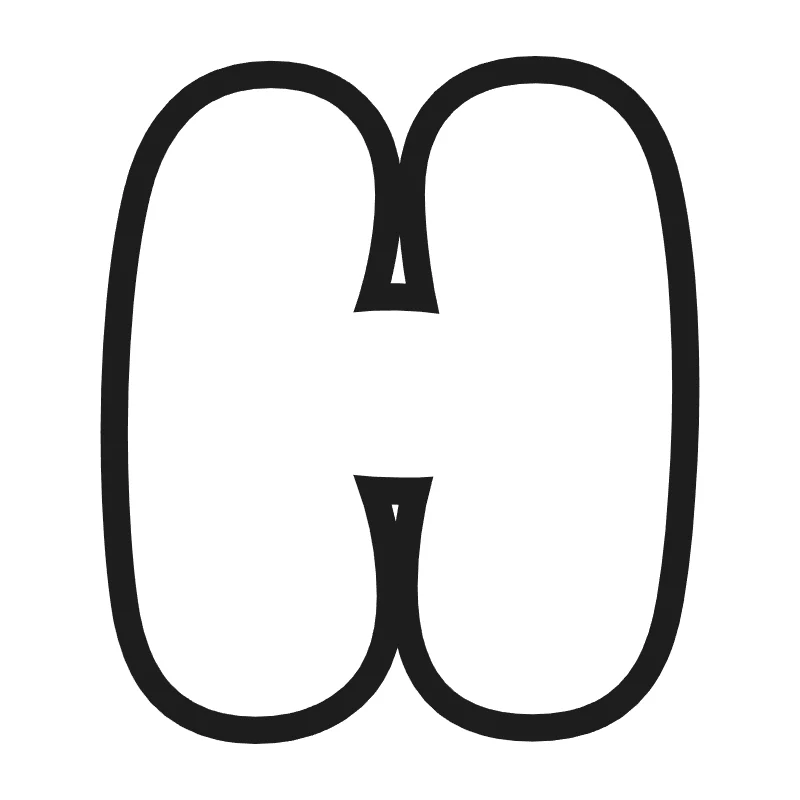
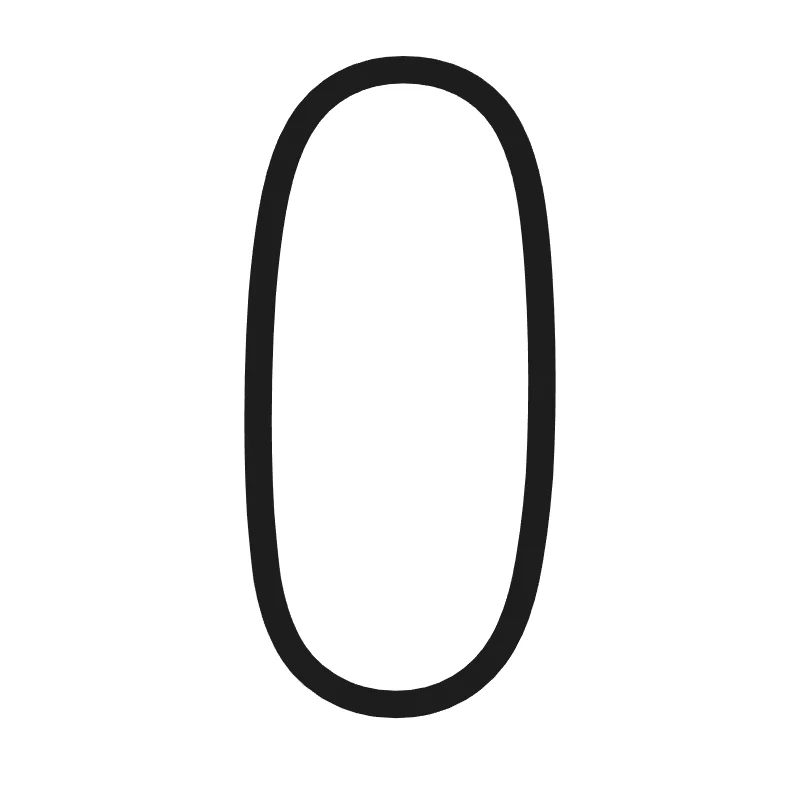
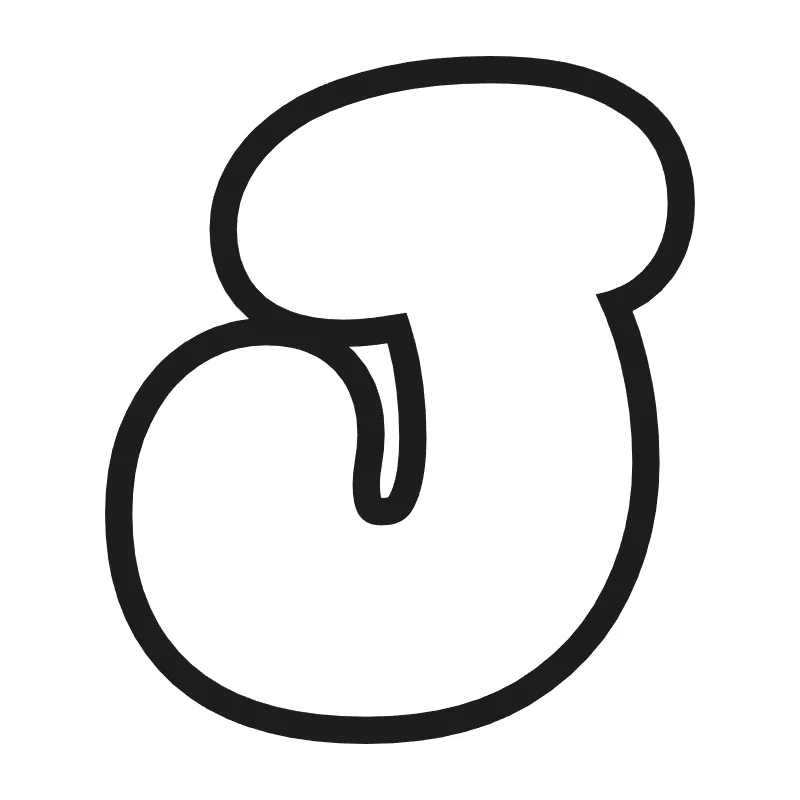
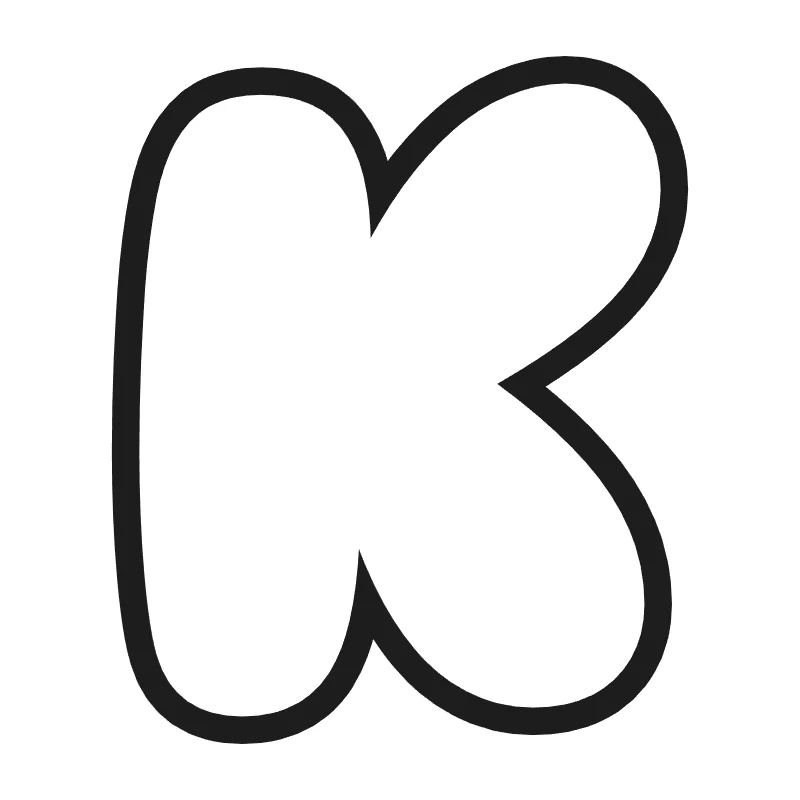
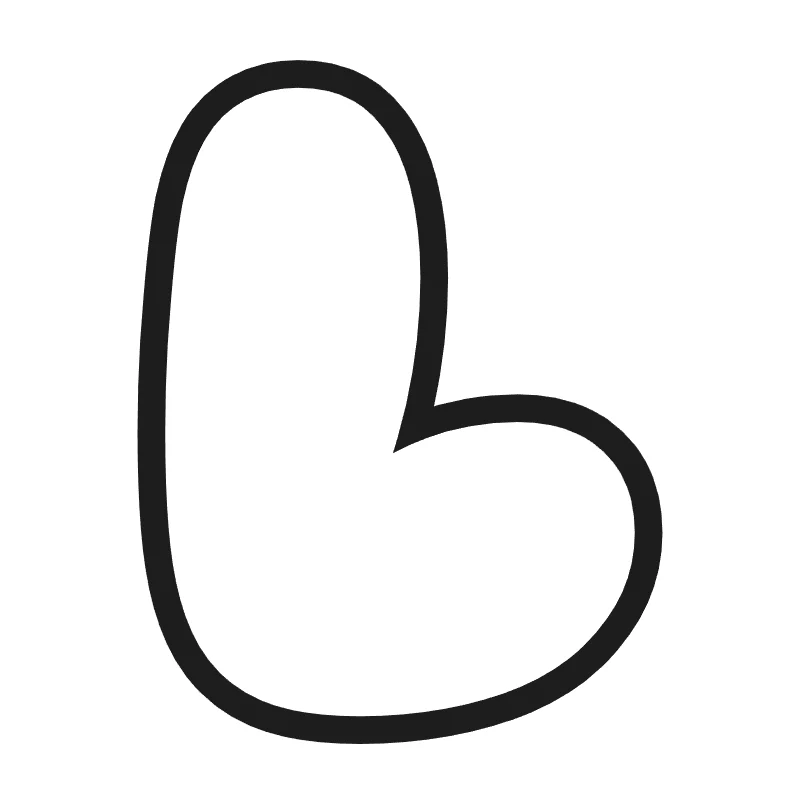
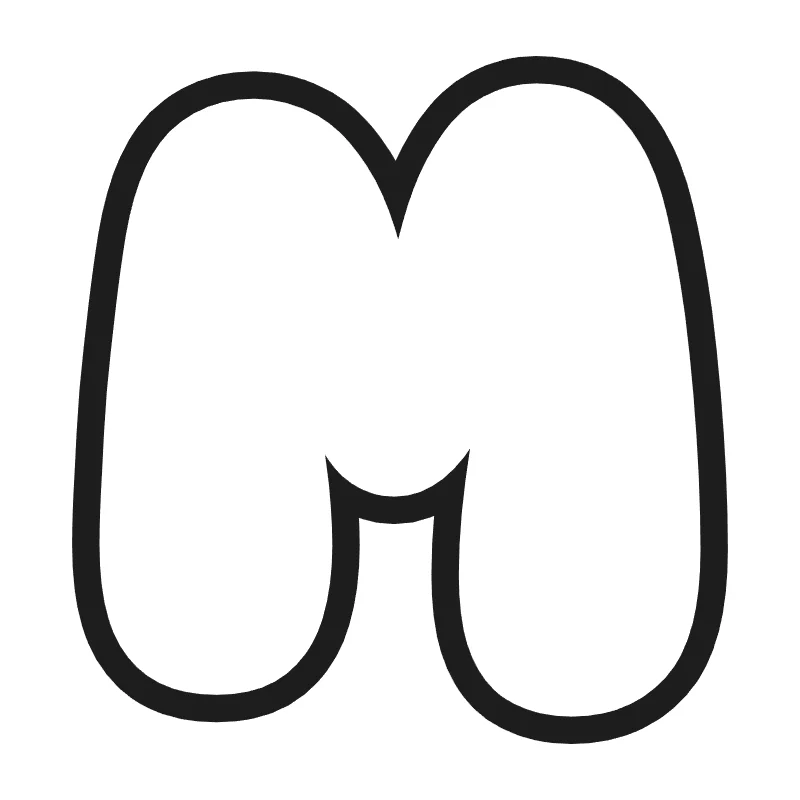
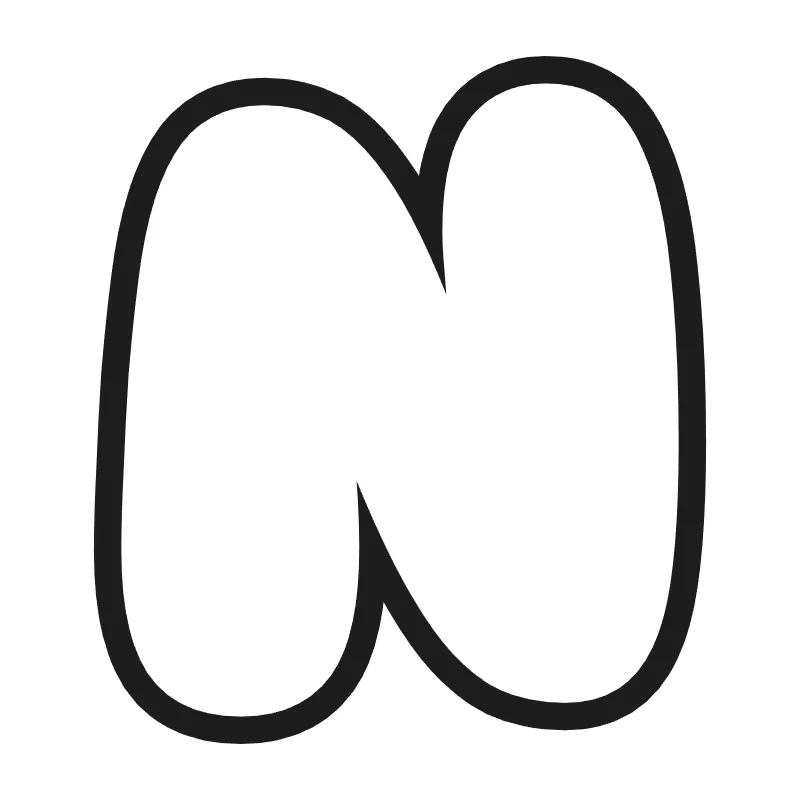
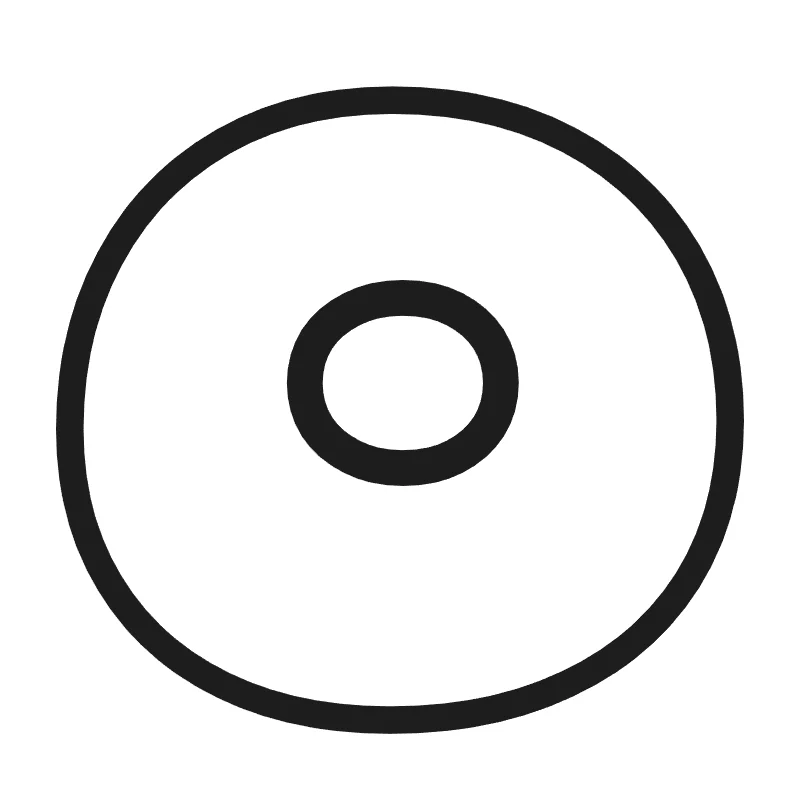
Bubble Letters A to Z
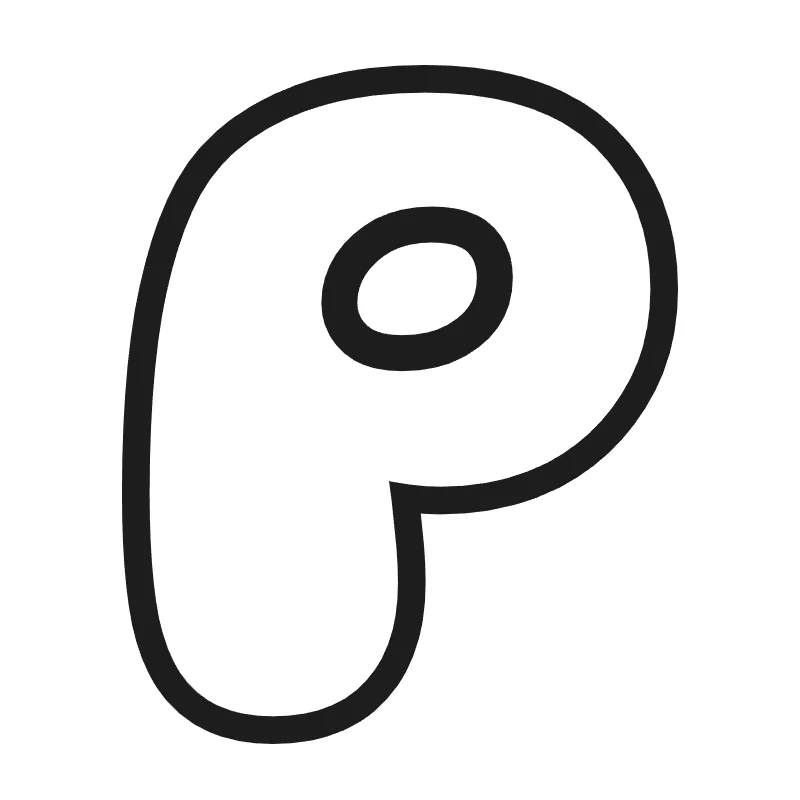
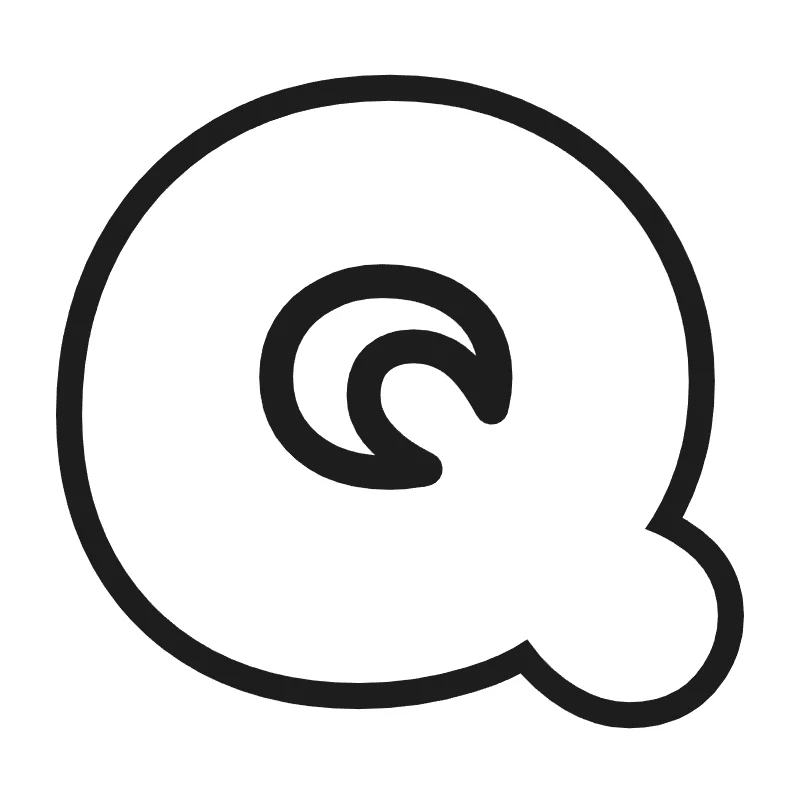
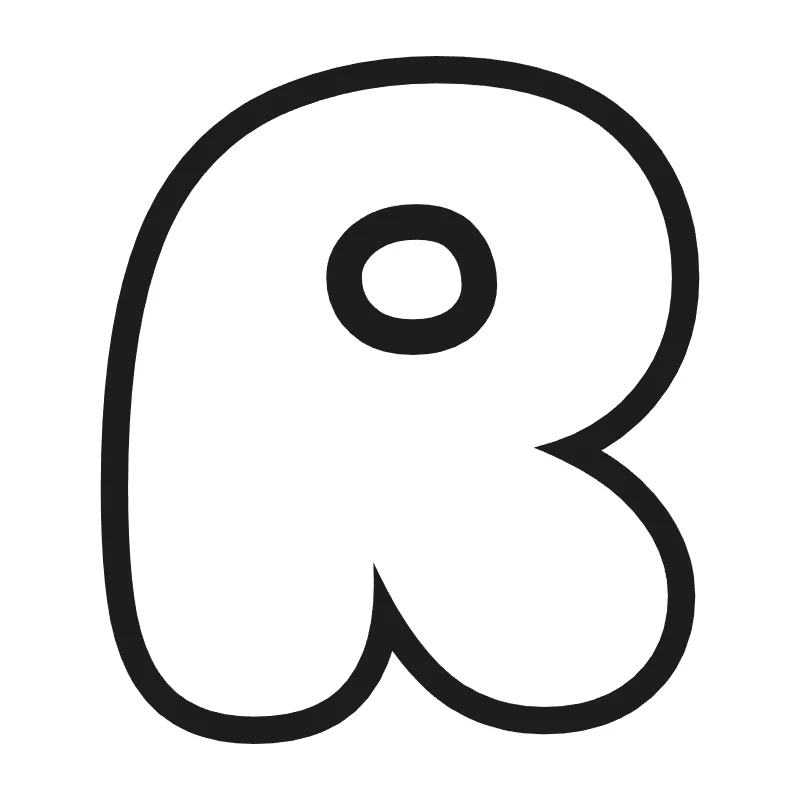
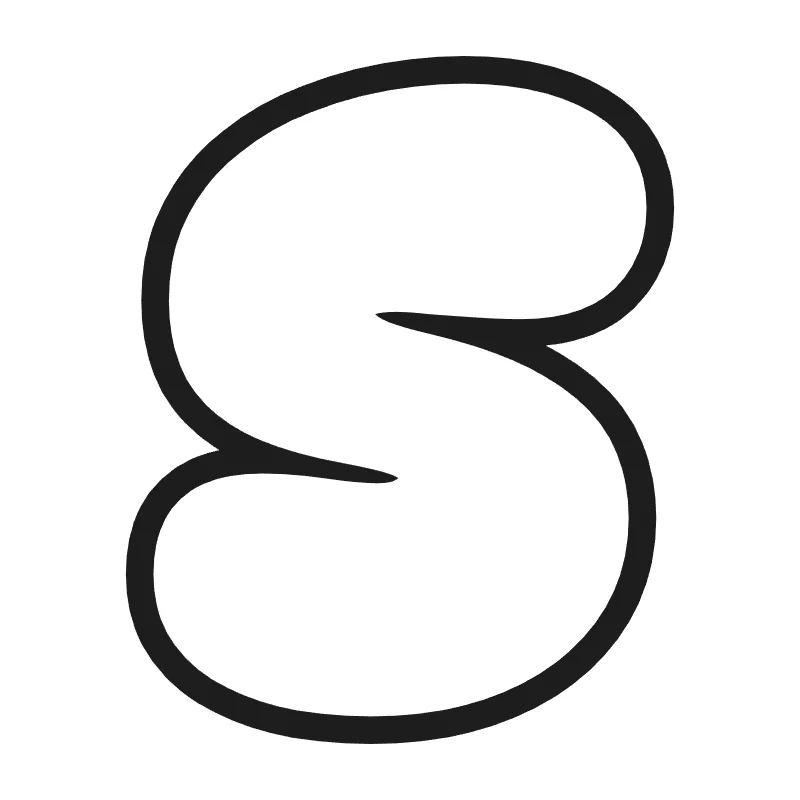
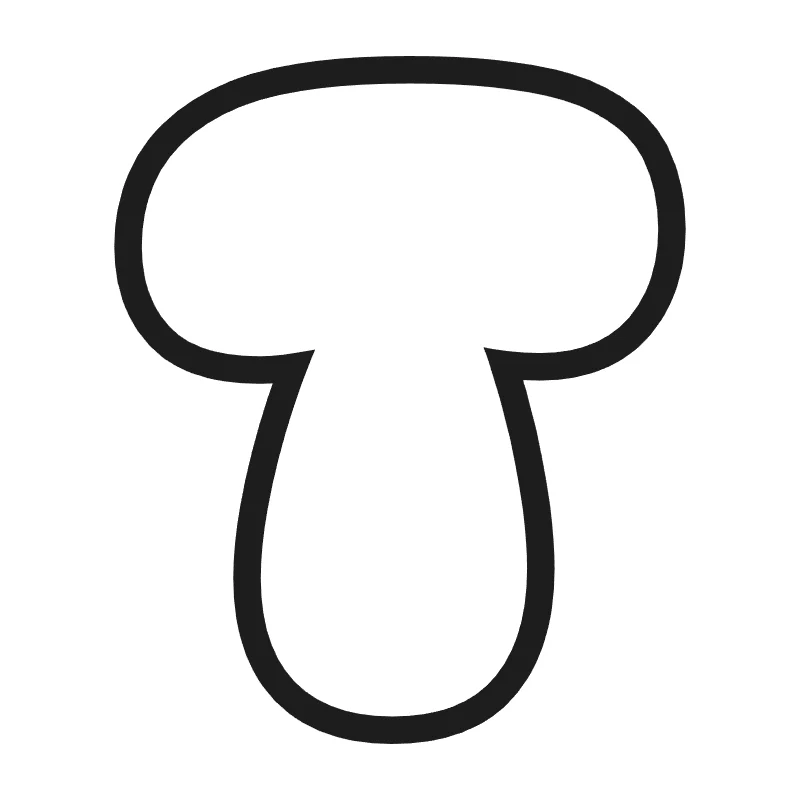
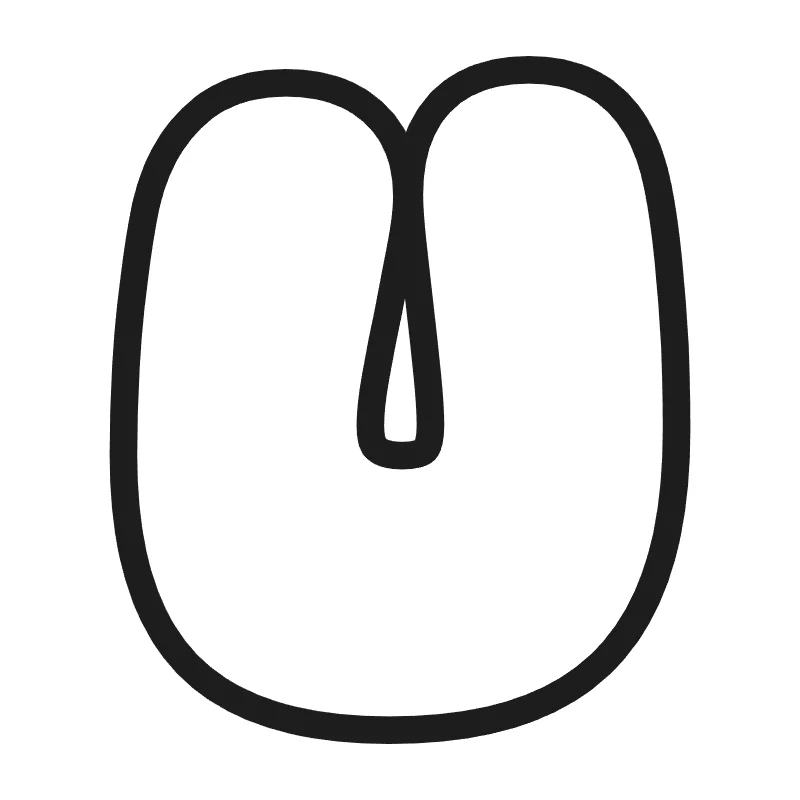
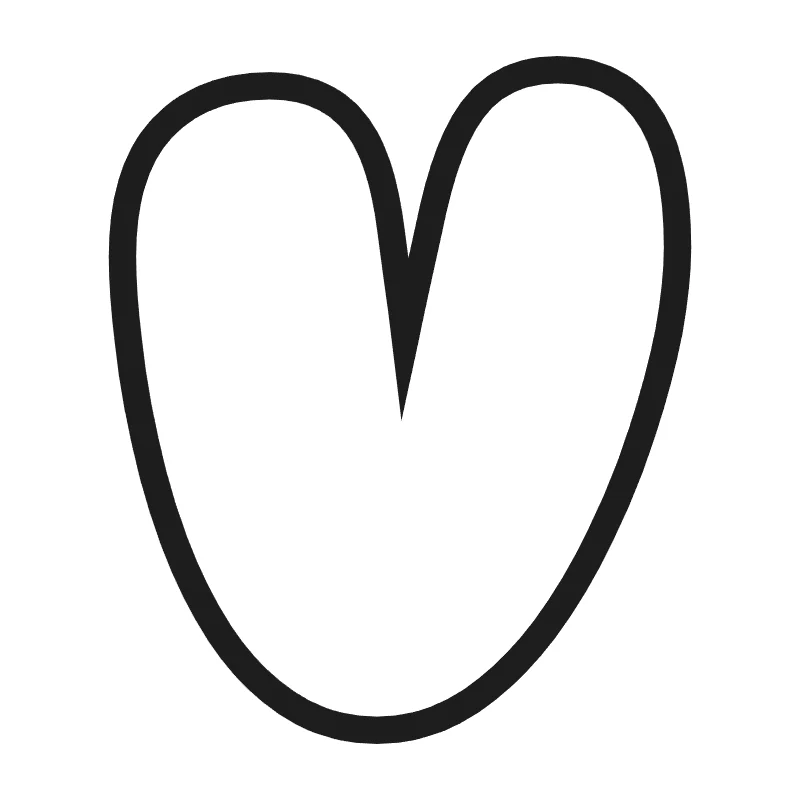
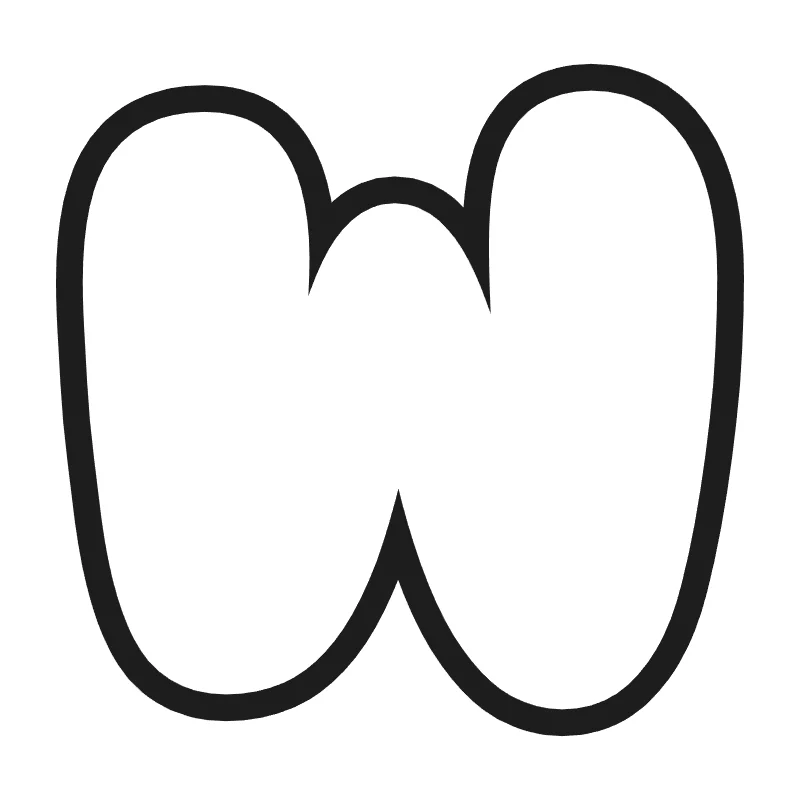
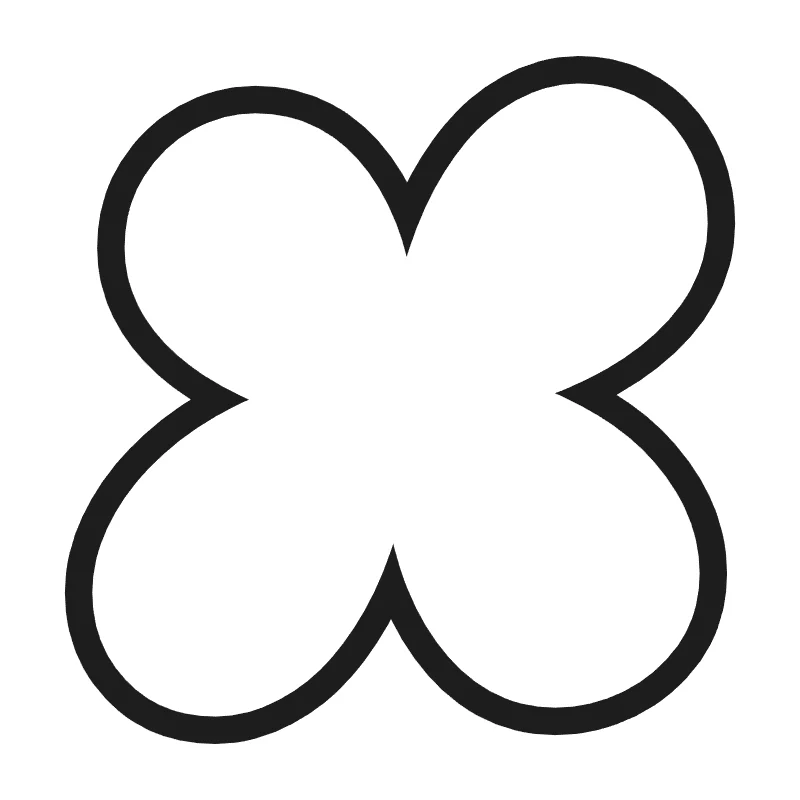
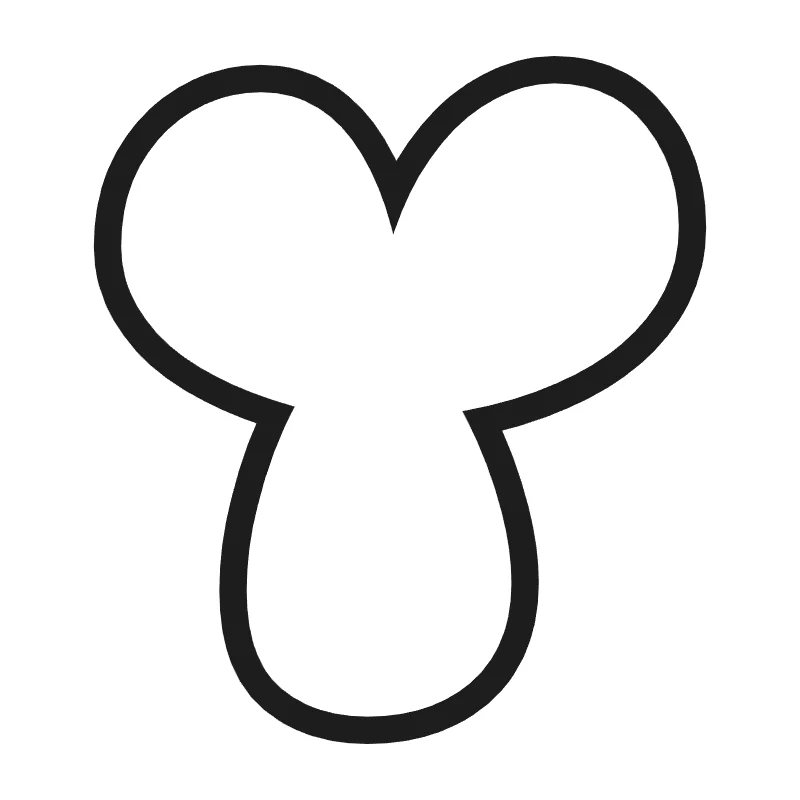
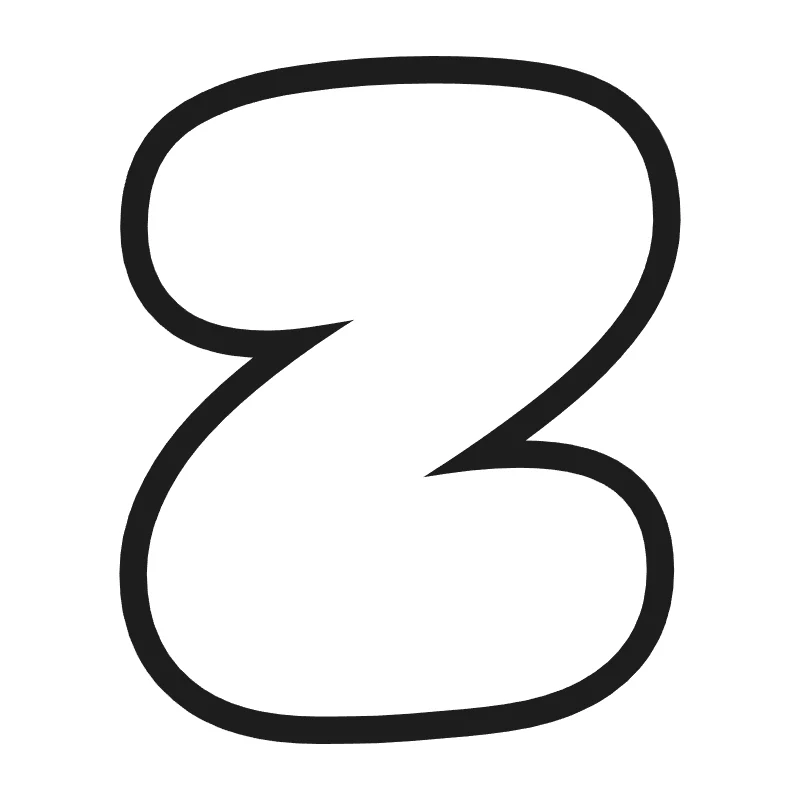
How to Make Bubble Letters in 4 Steps
- Type your text. Enter any word, name or short message. Press Enter to start a new line.
- Pick a style. Choose one of 9 fonts. Then choose a look, like coloring outline, rainbow or 3D.
- Choose a layout. Fit the whole word on one page. Or print one letter per page for a big banner.
- Print or save. Print right away, or save your letters as a PDF, PNG or SVG file.
Want to color your letters on the screen? Tap Color it online. Your letters open in our free online drawing tool, ready to fill with color.
Not sure what to write? Start with a quick template: Happy Birthday, Welcome, Merry Christmas or a name.
9 Bubble Letter Fonts
Each bubble letters font has its own feel. Try a few and keep the one that fits your project.
- Classic: round, puffy letters, just like the ones kids draw by hand.
- Hand-drawn: soft, wide letters that look like they were drawn with a marker.
- Bold: heavy, strong letters that are easy to read from across a room.
- Cute: short, extra-round letters for party signs and cards.
- Comic: tall, punchy capital letters like a comic book title.
- Wobbly: playful letters with a bouncy, chewy shape.
- Round: smooth, wide letters with even curves.
- Chunky: extra-fat letters. Add a shadow or 3D for a graffiti bubble letters look.
- Cursive: joined-up script for names and fancy titles. Use it for cursive bubble letters.
Want bubble letters lowercase? Just type in small letters. Comic uses capitals only. Numbers 0–9 work in every style.
Looks, Outlines and Puffiness
Next, pick a look for your letters:
- Coloring outline: hollow letters with empty insides, ready to color in.
- Tracing: a light outline that kids can trace with a pencil or crayon.
- Solid color, rainbow and shadow for bright, bold signs.
- 3D and glossy shine for letters that pop off the page.
- Polka dots, hearts, stars and stripes for a pattern inside every letter.
- Double outline for a neat, fancy edge.
Choose a thin, medium or extra thick outline. Extra thick lines help little kids color inside the lines. They also make cutting easier. The puffiness slider makes your letters slim or extra puffy.
Printing Tips for Big Bubble Letters
- Print at 100%. In the print window, pick "Actual size" or a scale of 100%. "Fit to page" can make your letters smaller.
- Match your paper. Choose US Letter or A4, and portrait or landscape. The tool shows how tall each letter will print, in inches.
- Use cardstock for cutouts. Thick paper is easier to cut and does not curl on the wall.
- Laminate letters you want to keep. Laminated letters hold up better on a busy classroom wall.
- Save ink. Solid and patterned letters use a lot of ink. The coloring outline uses very little.
- Plan for small holes. A, B, D, O, P, Q and R have holes that are hard to cut. An adult can cut them with a craft knife. Or leave them in and color them.
Have a cutting machine? Save your letters as an SVG file and open it in your machine's design software. Need letters for slides or digital cards? Save a PNG with a transparent background.
What You Can Make with Bubble Letters
- Bulletin board letters: print one letter per page, cut them out and pin them up.
- A name for a door: spell a child's name for a bedroom, a nursery or a locker.
- Birthday banners: print each letter of "Happy Birthday" on its own page. Punch two holes and hang them on a string.
- Poster titles: give a science fair or book report poster a big, bold title.
- A coloring page with a name: pick the coloring outline and print a name for kids to decorate.
- Cards and signs: add bubble letters to a thank-you card, a "Welcome" sign or a party table.
Want happy birthday in bubble letters? Tap the Happy Birthday template, then add a name on a new line. Pair it with our happy birthday coloring pages and birthday balloon coloring pages.
Bubble Letters for Teachers
Bubble letters save prep time in the classroom. Here are a few ways to use them:
- Print a bulletin board title one letter per page. Use 2 or 4 letters per page for a smaller title.
- Print the A–Z set for an alphabet line above the board.
- Print 0–9 for a number line or a classroom calendar.
- Use the tracing look for letter and handwriting practice.
- Make a name card for every student, ready to color on the first day.
- Print a welcome sign for your classroom door.
The generator works on classroom Chromebooks and tablets. There is no sign-up, so students do not need an email address. For more ideas, see our back to school coloring pages and classroom coloring pages.
How to Do Bubble Letters by Hand
Want to draw bubble letters with a pencil? It takes 5 easy steps:
- Write the letter lightly.
- Draw a round outline around it.
- Round all corners and keep the holes.
- Erase the guide lines.
- Add a shadow, a shine or color.
Our guide on how to draw bubble letters shows every step with pictures. It also has tips for overlapping letters and 3D effects.
Some letters are harder than others. Get shape tips for the bubble letter A, E, M, N, R and S.
Printable Bubble Letters: Alphabet and Numbers
Need a full set? Print the bubble letter alphabet from A to Z, in uppercase and lowercase. Print it on one sheet, or one big letter per page.
For ages, years and number lines, print bubble numbers from 0 to 9. Want to learn the letters, too? Our letter A coloring pages and the other alphabet themes turn each letter into a picture.
Private and Safe for Kids
Everything runs in your browser. Your words and names are not uploaded. There is no account, no email and nothing to install. That makes it easy to use with kids' names at home and at school.